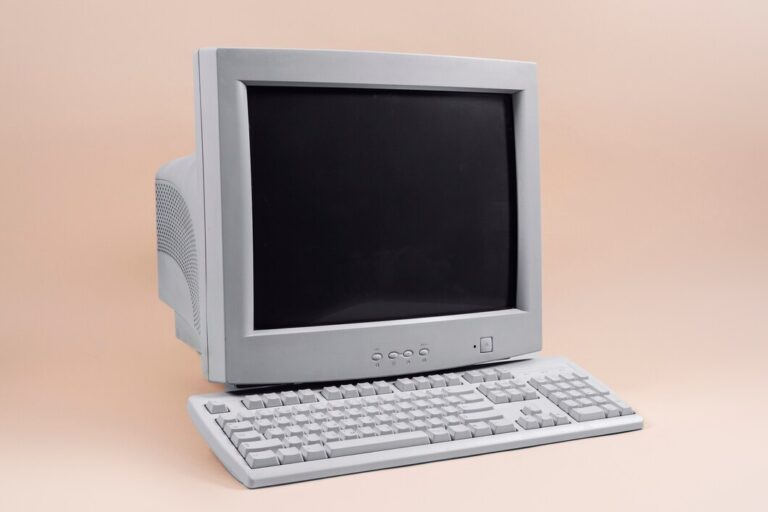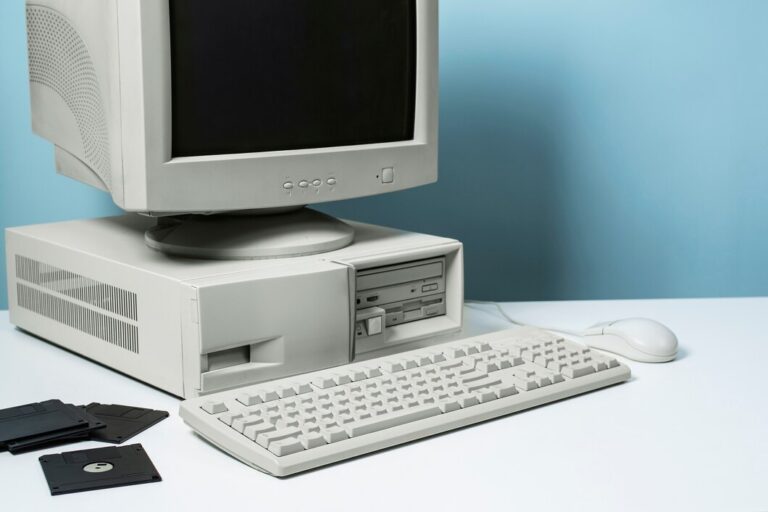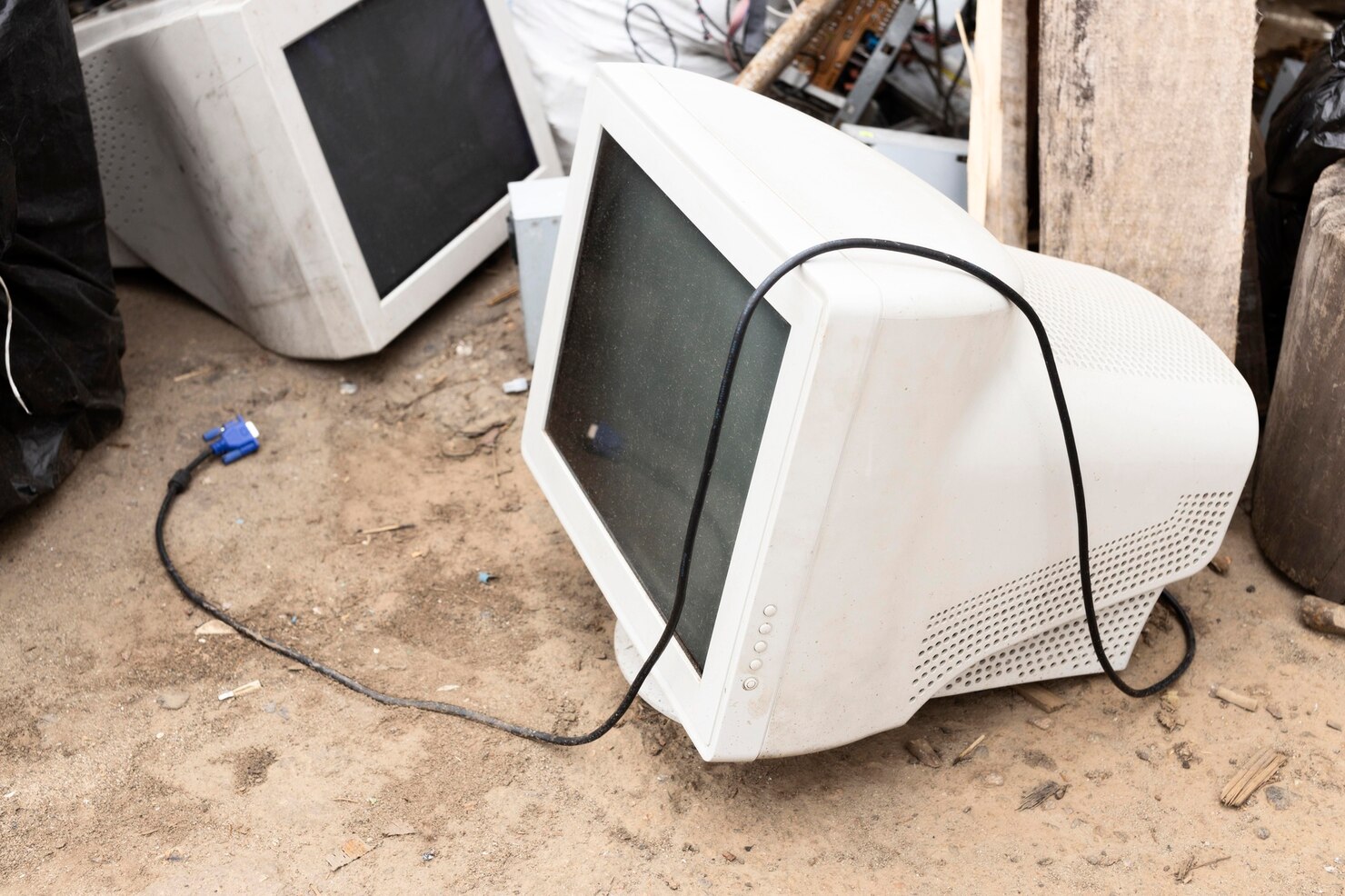
If you used a computer in the 1990s or early 2000s, you may remember the distinctive appearance of its screen: a large glass display with a deep back, slightly curved corners, visible pixels at close range, and an image that seemed different from today’s flat panels. These were CRT monitors, short for cathode-ray tube monitors. For decades, they were the standard display technology for desktop computers, televisions, arcade machines, and many early gaming systems.
The story of CRT displays is an important part of CRT monitor history because these screens shaped how people experienced personal computing. Before thin LCD panels became common, a bulky monitor could take up a significant portion of a desk. Yet that bulky design was capable of producing excellent motion, strong contrast, and a distinctive image that some modern users still try to recreate.
Understanding why old computer screens looked different requires more than comparing a curved glass screen with a modern flat display. The difference came from the way a CRT produced an image, how computers sent signals to it, how resolutions were handled, and how games and software were designed around the technology.
What Does CRT Mean?
CRT stands for cathode ray tube. A CRT monitor uses a large vacuum tube containing an electron gun, a phosphor-coated screen, and other components that work together to create visible images.
Unlike a modern LCD monitor, which uses a flat panel containing liquid-crystal pixels controlled by electronics, a CRT creates an image by directing electrons toward the inside surface of its glass screen.
The basic concept dates back much further than personal computers. Cathode-ray technology was developed during the early history of electronic displays and became an important foundation for television and computer monitors.
By the time desktop computing became widespread, CRT technology had already been refined considerably.
The result was a display that could reproduce text, graphics, photographs, and video without requiring a separate backlight and flat pixel grid like modern LCDs.
The physical construction explains one of the most obvious differences between old computer monitors and modern displays: depth.
A CRT needs enough space inside its enclosure for the electron beam system and the tube itself. The tube extends backward from the glass viewing surface, which is why older monitors were so much deeper and heavier than today’s displays.
How Does a CRT Monitor Work?
The easiest way to understand a CRT monitor is to imagine a controlled beam of electrons traveling toward the back of the screen.
Inside the tube is an electron gun. When the monitor receives an image signal, the gun generates electrons and controls their intensity. Magnetic fields then guide the beam across the screen.
The inside surface of the screen contains phosphor material. When the electron beam hits the phosphor, it produces light.
The beam does not simply illuminate the entire screen at once. It moves across the display in a carefully controlled pattern, repeatedly scanning from one area to another.
This process happens extremely quickly.
The beam travels horizontally across a line, moves down to the next line, and continues until it has covered the visible image area. Once the process is complete, it starts over from the beginning and continues in the same cycle.
Because the refresh happens rapidly, your eyes perceive a continuous image rather than a tiny point of light being repeatedly activated.
How CRTs Produced Color
Color CRTs added another layer of engineering.
Instead of producing only one type of light, a color CRT monitor uses three primary color components: red, green, and blue.
Different combinations of these three colors can create a wide range of visible colors.
The electron system controls the intensity of each color channel. When red, green, and blue phosphors are stimulated at different levels, the viewer sees the resulting mixture as a particular color.
This RGB approach became fundamental to computer graphics and remains important in modern displays.
However, the physical method used to produce those colors was very different from the pixel-based operation of an LCD or OLED panel.
Why CRT Screens Looked Softer
One of the biggest visual differences between a CRT monitor and a modern flat-panel display was the appearance of individual pixels.
Modern LCDs have a fixed physical pixel grid. If an LCD has a native resolution of 1920 × 1080, it contains a corresponding grid of pixels that the display is designed to address.
CRTs did not work in exactly the same way.
A CRT’s image was formed by an electron beam scanning across phosphors rather than by switching a fixed rectangular collection of physical pixels.
This meant a CRT could display different resolutions without the same type of native-resolution restriction associated with many flat panels.
For example, an old CRT might display 640 × 480, 800 × 600, or 1024 × 768 depending on its capabilities and the computer’s graphics hardware.
The image could look different at each setting, but the monitor was not physically changing its pixel grid.
The result was often a softer, more blended appearance.
Text could appear slightly fuzzy compared with a modern high-density LCD, while graphics could have smoother transitions between shapes and colors.
At close range, the difference becomes particularly noticeable.
VGA and the Era of Computer Graphics
Another important part of CRT monitor history is VGA.
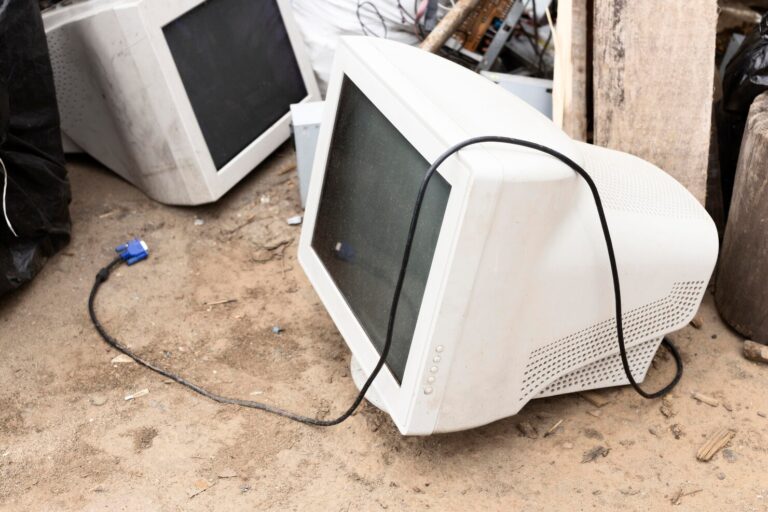
VGA, or Video Graphics Array, became a widely recognized standard for connecting computers to displays. The VGA interface became especially familiar because of its 15-pin connector, often associated with the blue video cable used with desktop computers.
VGA was introduced by IBM in the late 1980s and helped establish a common approach for computer graphics and display connections.
A VGA connection generally carried analog video information rather than the digital pixel-by-pixel connection common with modern display interfaces.
This mattered because the computer’s graphics hardware and monitor worked together to interpret the signal and create the displayed image.
VGA became closely associated with common PC resolutions and color capabilities during an important period of desktop computing.
Although later interfaces eventually replaced it, VGA remained common for many years.
Resolution Worked Differently on CRT Displays
Resolution is another reason older displays could look different.
With an LCD, selecting a non-native resolution can cause scaling because the source image does not correspond directly to the physical pixels on the panel.
CRTs did not have this exact limitation.
A CRT could change the scanning pattern used to create an image. This allowed one monitor to operate at multiple resolutions and refresh rates.
For example, a user might switch from 640 × 480 to 800 × 600 depending on the software being used.
A lower resolution could produce larger interface elements and graphics, while a higher resolution provided more room for windows and detailed images.
The monitor’s ability to handle these settings depended on its design and capabilities.
Refresh rate was also significant. Some CRTs could operate at relatively high refresh rates at lower resolutions. This became particularly important for computer users who were sensitive to flicker.
Why CRT Colors Looked Different
Color reproduction was another major part of the CRT experience.
A well-adjusted CRT could produce rich colors and deep-looking blacks because the screen was not using the same backlight structure found in traditional LCD technology.
However, CRT image quality could vary considerably.
Two monitors with similar specifications might not look identical. Factors such as phosphor characteristics, calibration, brightness, contrast, age, and the condition of the tube could affect the final picture.
As CRTs aged, their performance could change. Brightness might decrease, colors could shift, and focus could become less precise.
This variability is one reason professional graphics and video users paid close attention to monitor calibration.
The physical screen coating also affected the viewing experience. Some CRTs had glossy surfaces, while others used anti-glare coatings intended to reduce reflections.
CRT vs LCD: What Was Actually Different?
The CRT vs LCD comparison is not simply a story of old technology versus new technology. The two display types created images using fundamentally different methods.
A CRT uses an electron beam and phosphors inside a vacuum tube.
An LCD uses liquid crystals to control how light from a backlight passes through the display.
That difference affects several characteristics.
Physical Size
CRT monitors require substantial depth because of the tube. LCD monitors can be much thinner because their display components are arranged in a flat panel.
Weight
The thick glass tube makes CRT monitors significantly heavier than comparable modern flat displays.
Resolution
CRTs can operate across multiple resolutions without having a fixed physical pixel grid in the same sense as an LCD.
LCD panels, by contrast, have a defined native pixel structure.
Motion
CRT displays can provide very responsive motion because the image is generated through scanning rather than by continuously holding a frame on a pixel grid.
Modern displays have made enormous improvements in motion performance, but this remains one reason some enthusiasts continue to appreciate CRTs.
Desk Space
A CRT’s large rear section required substantial desk depth. Flat-panel displays dramatically changed computer workstation design by freeing up space.
Why CRT Gaming Became So Important
Gaming is one area where CRT displays developed a particularly strong following.
Older computer games were designed around the display technology available at the time. Many games used resolutions that look unusual on modern high-resolution panels.
A CRT could display these lower resolutions naturally, without the same type of digital scaling required by a flat panel.
This could give older games a visual character that modern displays sometimes struggle to reproduce.
There was also the matter of motion.
Fast-moving games could look smooth on a CRT when running at an appropriate refresh rate. The way the display refreshed the image created a different visual experience from a modern sample-and-hold display.
Arcade games also contributed to the cultural importance of CRTs. Many classic arcade cabinets relied on CRT technology, meaning that their original appearance was closely connected to the characteristics of the display.
For retro gaming enthusiasts, reproducing the original display behavior can therefore be part of reproducing the original game experience.
Scanlines and the Classic Retro Look
The term “scanlines” is frequently associated with CRT gaming.
Because the electron beam scans across the screen line by line, the structure of the image can sometimes be visible, especially when viewed close to the display or when using certain resolutions.
On a CRT, these characteristics were simply part of how the display operated.
Modern emulators can imitate some of these visual properties using software filters. Such filters may add artificial scanlines, blur, curvature, color behavior, or other effects intended to approximate a CRT.
The fact that software now attempts to reproduce these characteristics demonstrates how strongly CRT displays influenced the visual identity of older games.
Why CRT Monitors Eventually Declined
CRT technology remained dominant for many years, but the arrival of affordable LCD displays changed the computer monitor market.
LCDs offered several practical advantages.
They were thinner, lighter, and generally easier to position on a desk. Manufacturers could produce increasingly large displays without requiring enormous cabinets.
As production expanded, LCD prices also became more competitive.
Businesses had strong reasons to replace bulky CRT monitors. A row of flat displays required less desk space, was easier to transport, and could make office environments more flexible.
Consumers also began expecting thinner electronics.
The change happened gradually rather than overnight. For years, CRT and LCD monitors existed side by side. Some users preferred CRT displays for particular applications, while others adopted LCD panels because of their physical advantages.
Eventually, flat-panel technology became the mainstream choice for desktop computing.
The Transition From VGA to Digital Displays
The decline of CRTs also coincided with a broader shift in computer display connections.
VGA was designed around an analog video signal. As digital flat-panel displays became dominant, digital interfaces became increasingly important.
DVI, HDMI, DisplayPort, and other digital standards helped computers send image information to modern displays without relying on the same analog signal path used by traditional VGA connections.
This transition was part of a larger transformation in personal computing.
The monitor was no longer simply a large tube attached to a desktop computer. Displays became thinner, larger, more energy-conscious, and increasingly integrated into different types of devices.
Why People Still Feel Nostalgic About CRTs
The continued interest in CRTs is partly technical and partly cultural.
For people who grew up using them, the appearance of a CRT can immediately evoke a particular period of computing.
The curved glass, chunky plastic enclosure, startup screens, desktop interfaces, and familiar VGA cables are associated with older computers and software.
There is also an authenticity factor for retro enthusiasts.
Playing an older game on the type of display for which it was originally designed can produce a different visual result from simply running the same software on a modern monitor.
Some enthusiasts therefore collect working CRT televisions and monitors, while others use software filters and specialized hardware to approximate CRT characteristics on modern screens.
This nostalgia has also influenced contemporary design. Modern games, graphics, videos, and digital art sometimes deliberately incorporate scanlines, screen curvature, pixel effects, or other visual characteristics associated with older displays.
Are CRT Monitors Better Than Modern Displays?
There is no single answer because the technologies were designed around different priorities.
A CRT offers characteristics that can be attractive for retro gaming and certain specialized uses, but it is also large, heavy, old, and increasingly difficult to maintain.
A modern flat-panel display provides obvious practical advantages for everyday computing. It takes up less space, is easier to transport, and can offer extremely high resolutions.
The important point is that the two technologies create images differently.
That difference explains why an old computer can look surprisingly different even when its software is displayed on a modern screen at a similar resolution.
The Lasting Influence of CRT Technology
The history of the CRT monitor is closely connected to the history of personal computing itself.
CRT displays supported the transition from text-based computing to graphical interfaces, helped establish standards such as VGA, and provided the visual foundation for generations of computer games and applications.
Although flat-panel displays have replaced them for everyday use, CRTs have not completely disappeared from technological culture.
Their influence can still be seen in retro gaming, emulation, pixel art, arcade restoration, visual design, and nostalgic computer culture.
The familiar look of an old computer screen was not simply the result of outdated graphics. It came from a completely different method of creating an image.
Conclusion
The reason old computer screens looked different becomes clearer once the technology behind them is understood. A cathode ray tube created pictures by directing an electron beam toward phosphors inside a glass tube, rather than controlling a fixed grid of pixels like a modern LCD.
That fundamental difference influenced everything from resolution and color to motion and image softness. VGA connections, refresh rates, scanlines, and the design of early computer games all developed within this technological environment.
The eventual move from CRT to LCD was driven largely by practical advantages such as reduced size, lower weight, and easier manufacturing of large flat displays. Yet the visual character of CRTs remains recognizable.
For anyone interested in CRT monitor history, these displays represent more than an obsolete form of hardware. They were a defining part of early personal computing and helped establish the visual language that shaped an entire generation of digital technology.
About the Author